
ANIMATION SHOWCASE / ELEMENTS
Ready-made elements: cards that turn over, pictures to compare, 3D views, Lottie and page-wide effects.
01
Flip Card
A card with a back side — it turns over on hover or on a click.
How to use: Element: Flip Card
Hover me
Up and away
This side was hiding behind.
Click me
Turned over
Click again to turn it back.
02
Before / After
Drag the handle to compare two pictures.
How to use: Element: Before / After


03
3D Image View
A 360° panorama to look round, and a photo you can turn in 3D. Products can spin through 360° too.
How to use: Element: 3D Image View

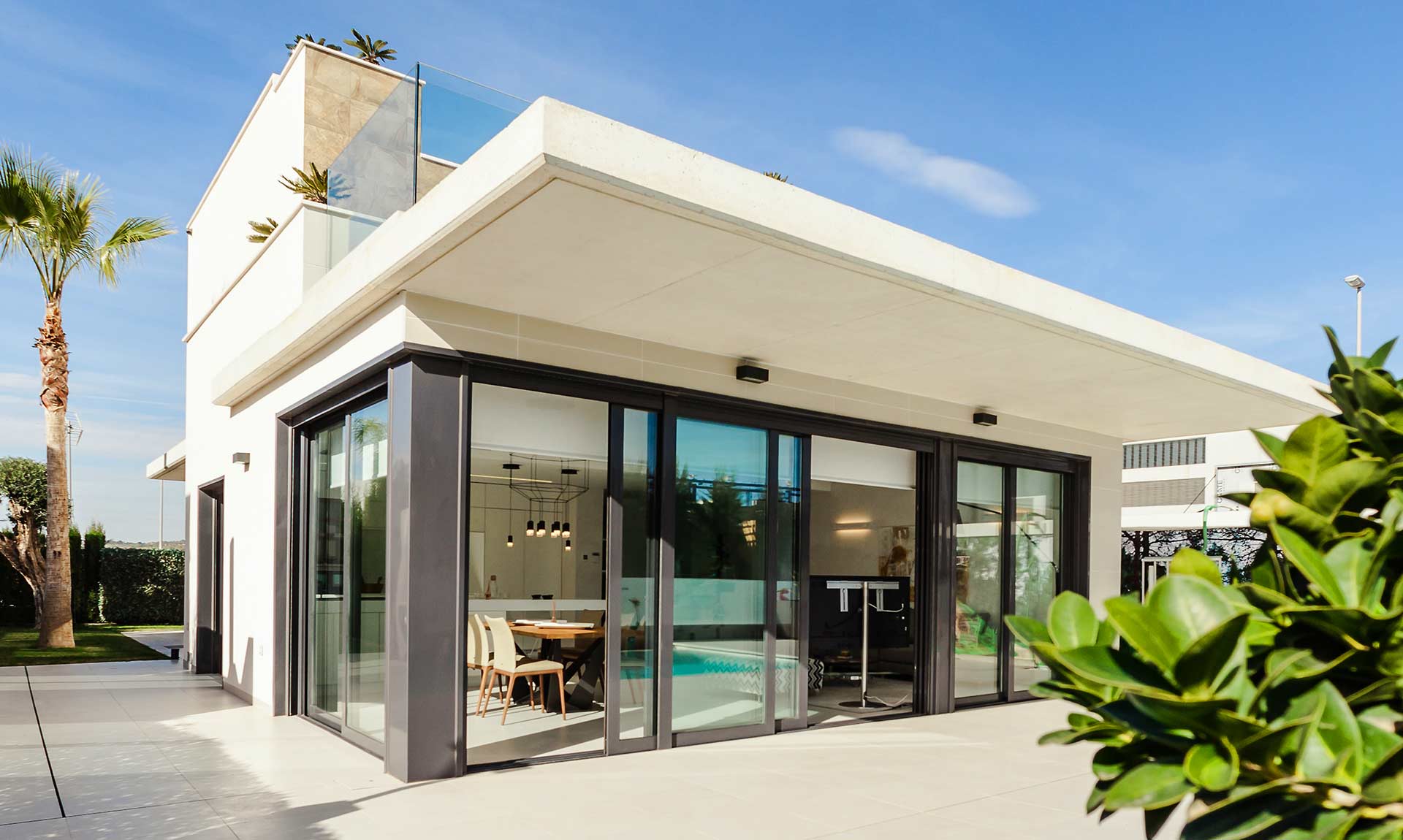
3D photo · follows the mouse

3D photo · drag to turn it all the way round
Panorama · still, no buttons, starting at 90°
04
Lottie
Light vector animations from a Lottie JSON file — looping, on hover, on click or with the scroll.
How to use: Element: Lottie
Loop
Hover to play
Follows the scroll
Plays once when it comes on screen
Click to play, click again to pause
05
Page Effects
Smooth scrolling, a custom cursor, transitions between pages and a preloader — for the whole page. This page shows a loading bar once per visit, the dot-and-ring cursor, smooth scroll and a fade; the Hover & Mouse page uses the inverting cursor and a slide.
How to use: Element: Page Effects (one per page)
🖱️
Custom cursor
Dot · Dot and ring · Big circle that inverts what is under it.
🧈
Smooth scroll
Soft, eased scrolling with the wheel; the glide is yours to set.
🎞️
Page transitions
Fade · Slide up · Zoom · Wipe, as you move between pages.
⏳
Preloader
Your logo pulsing · Spinner · Loading bar — every page or once per visit.
06
Reading Progress
A bar along the top of the screen that fills as the visitor reads. Look at the top of this page.
How to use: Element: Reading Progress
↑ The blue-to-purple bar under the header, with the percentage.