ANIMATION SHOWCASE / HOVER & MOUSE
Pictures, buttons and cards that answer the mouse — this page even has a cursor that inverts what is under it. Move it round this box.
01
Image Hover
Eight ways a picture answers the mouse: zoom, grey to colour, colour to grey, blur to sharp, brighten, lift, a rising caption, or a second picture showing through.
How to use: Image → Extra → Hover
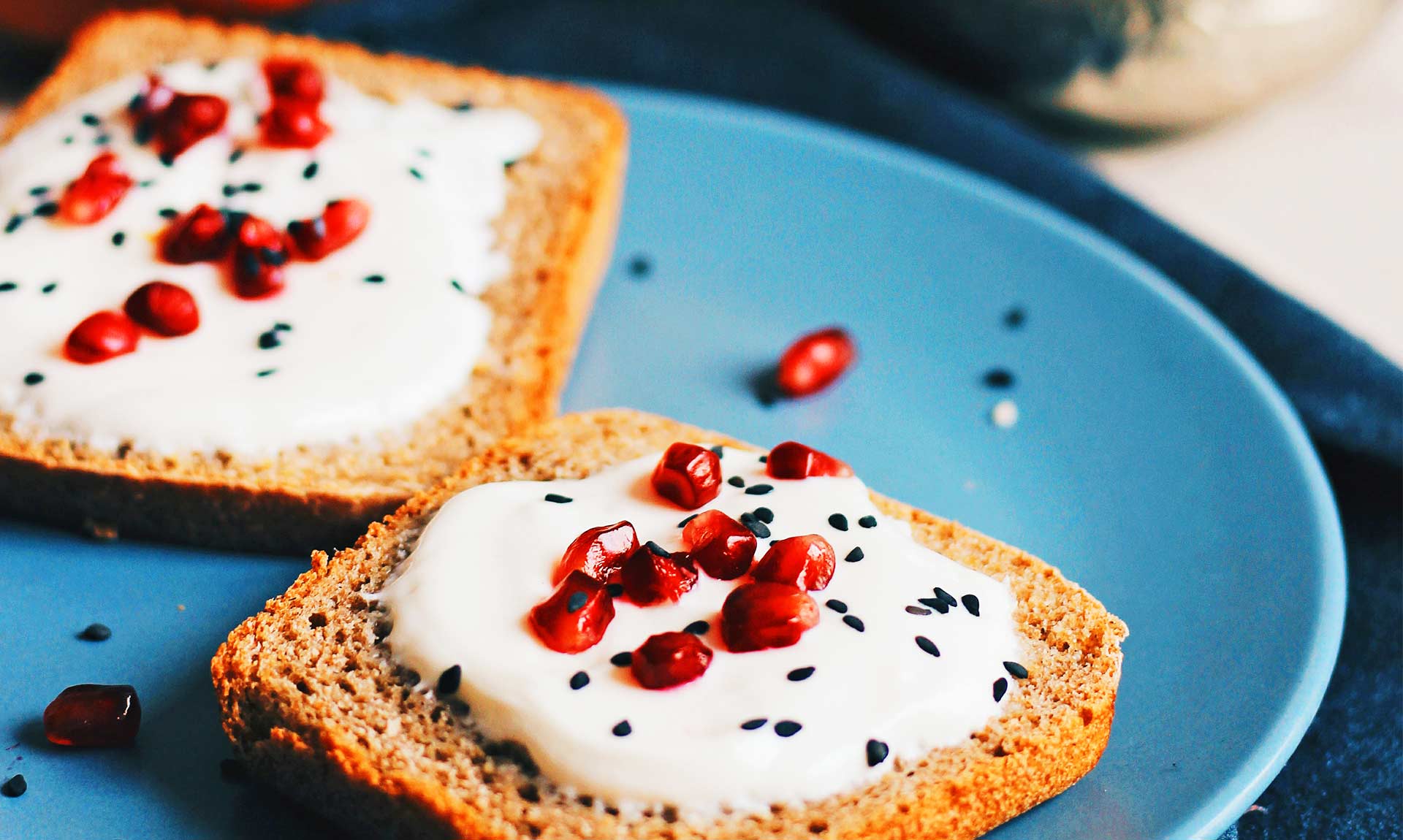
Zoom in
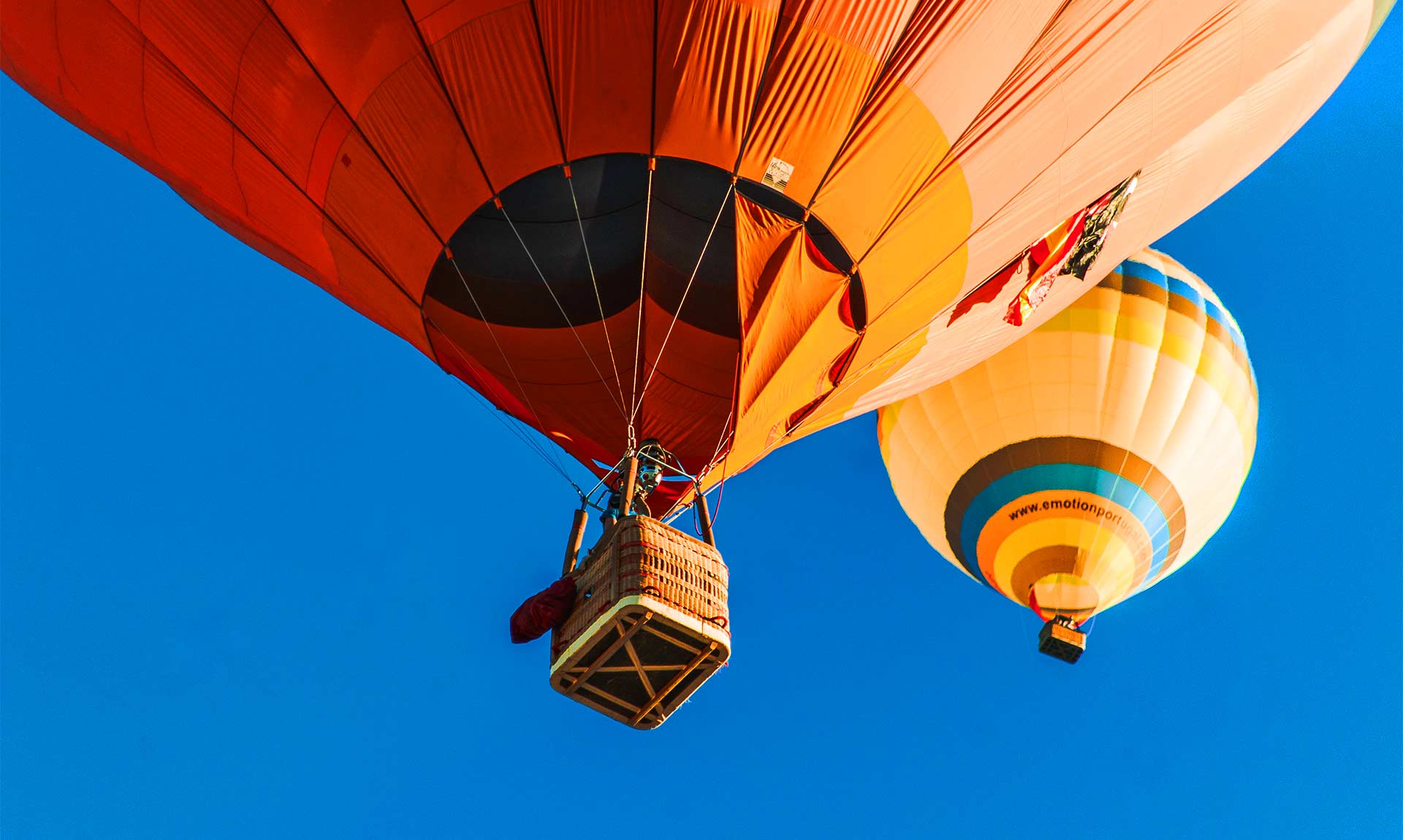
Grey to colour
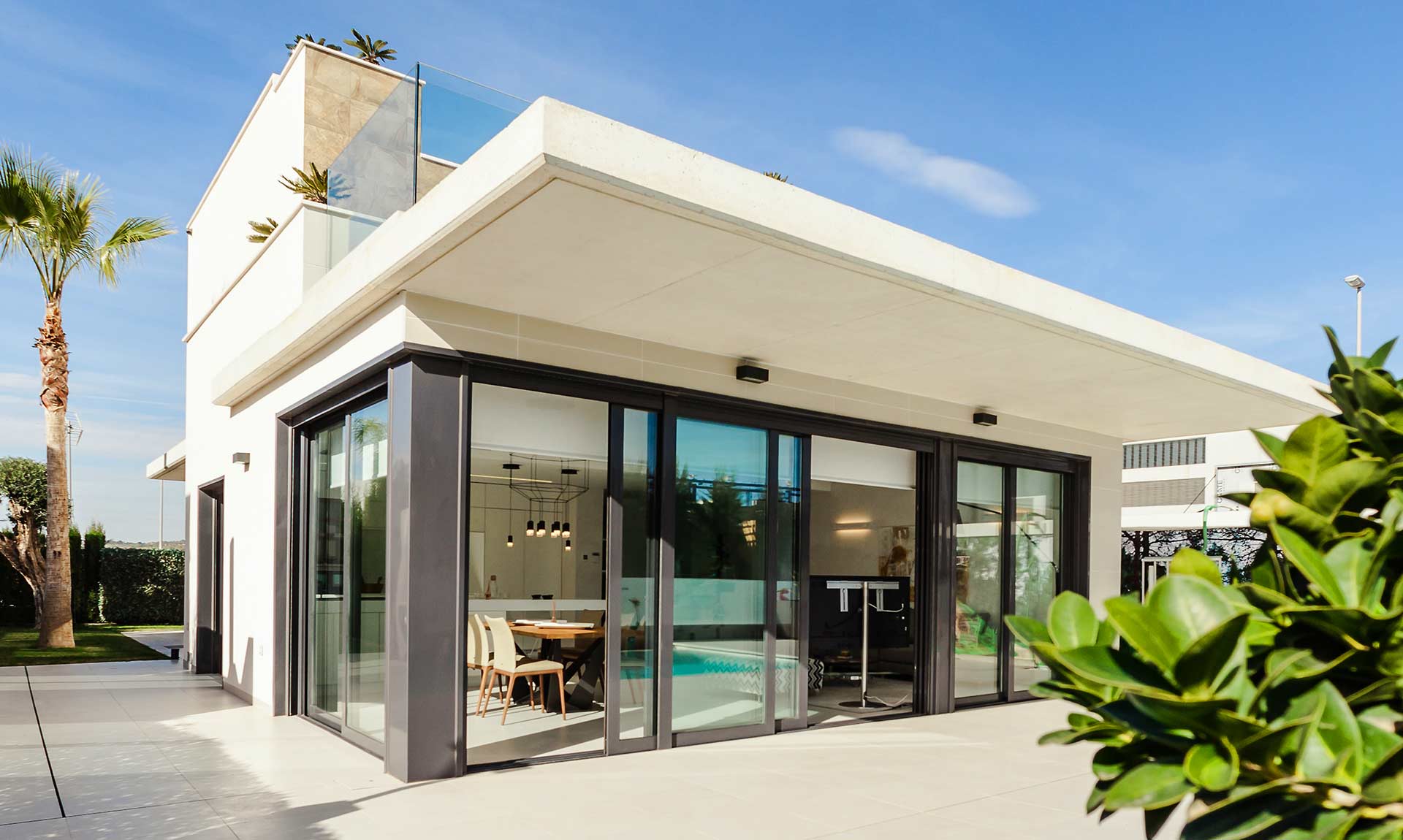
Colour to grey
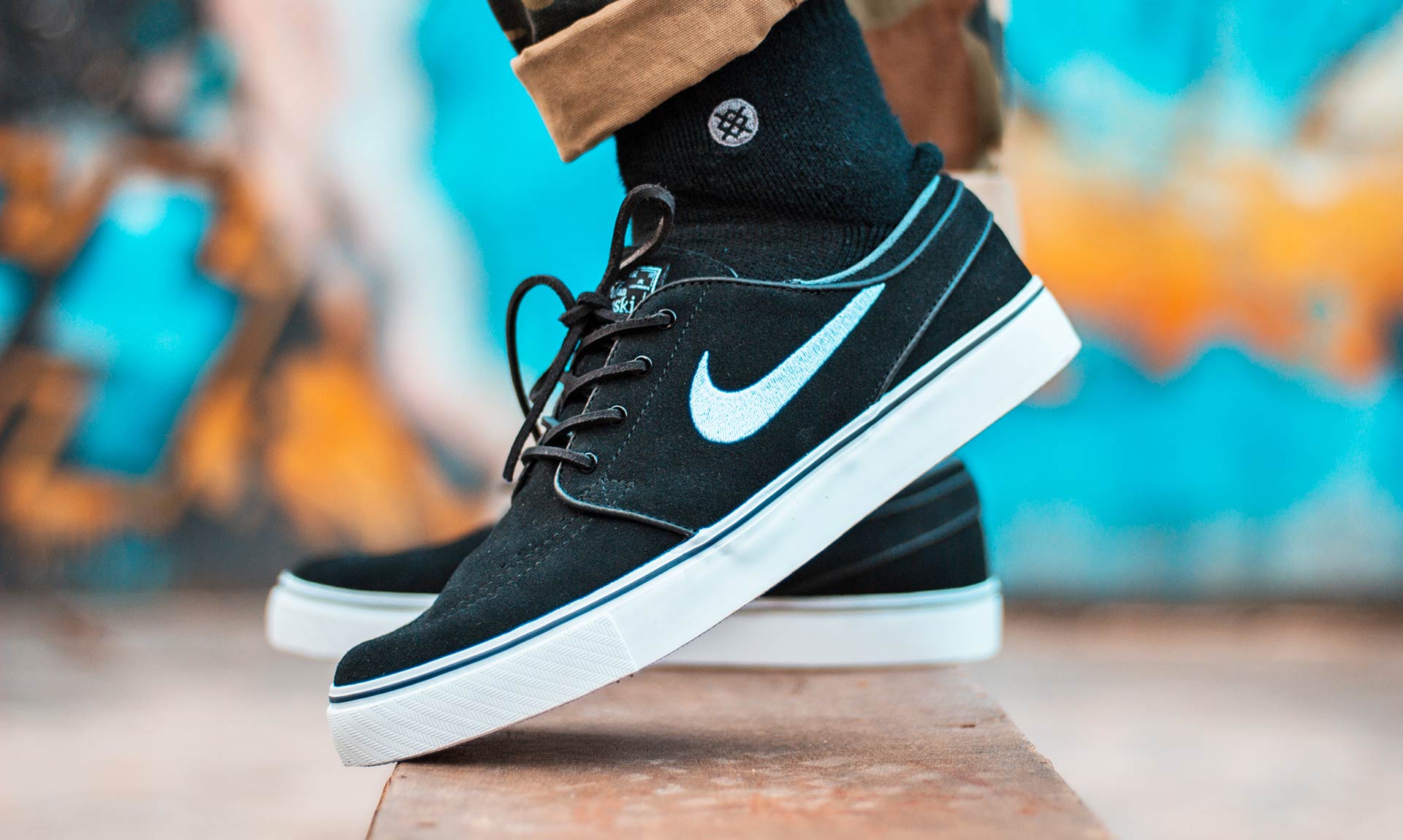
Blur to sharp
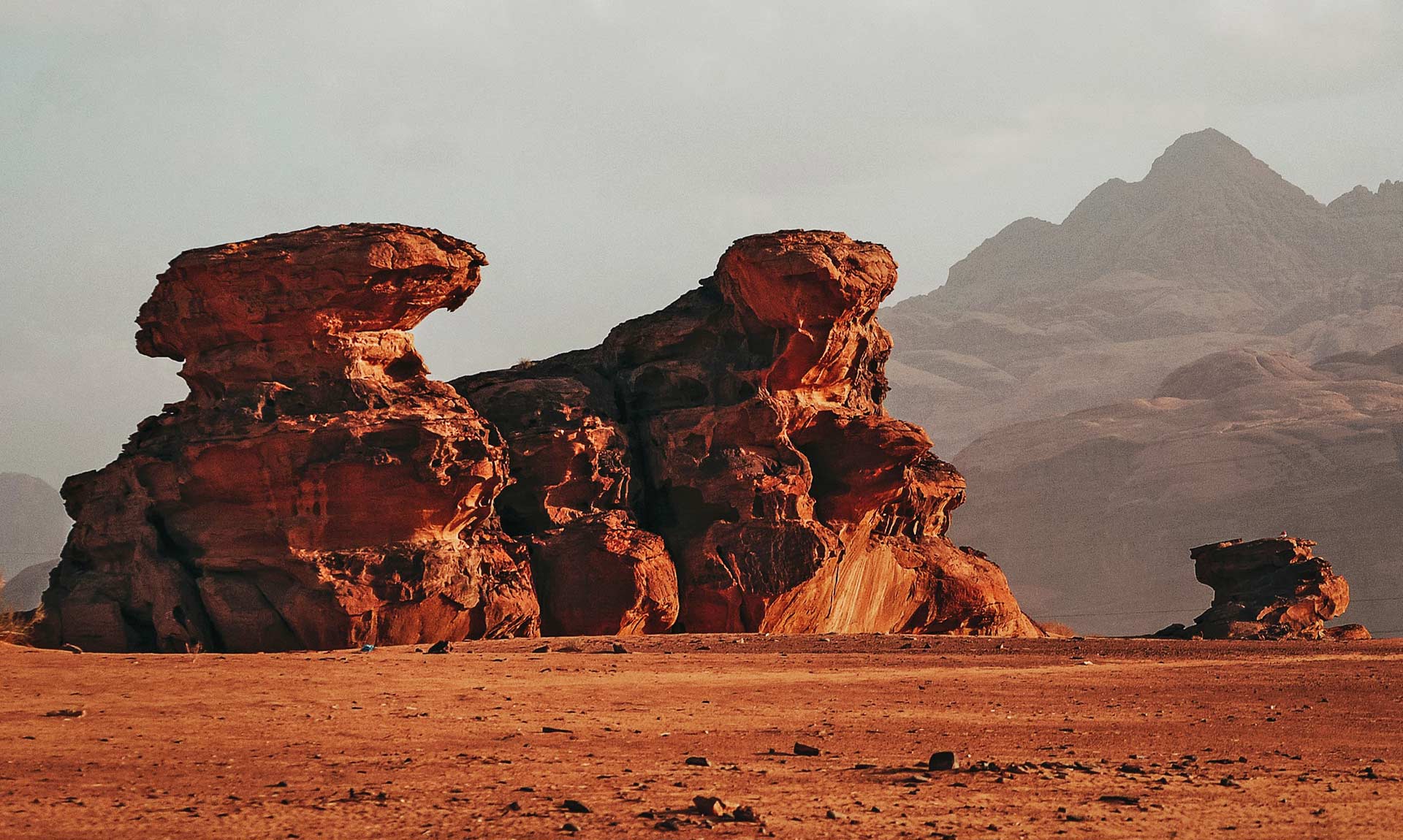
Brighten
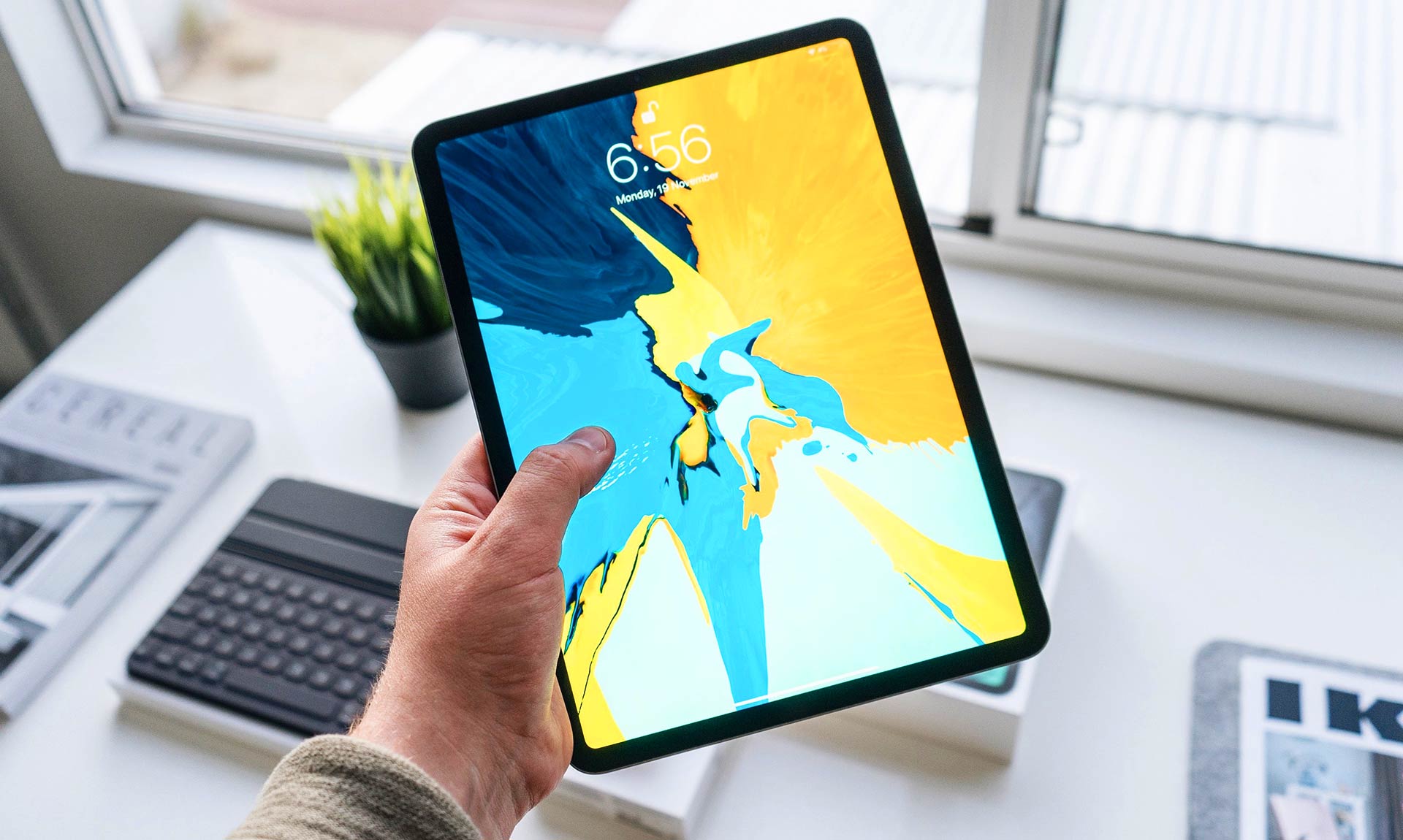
Lift with a shadow
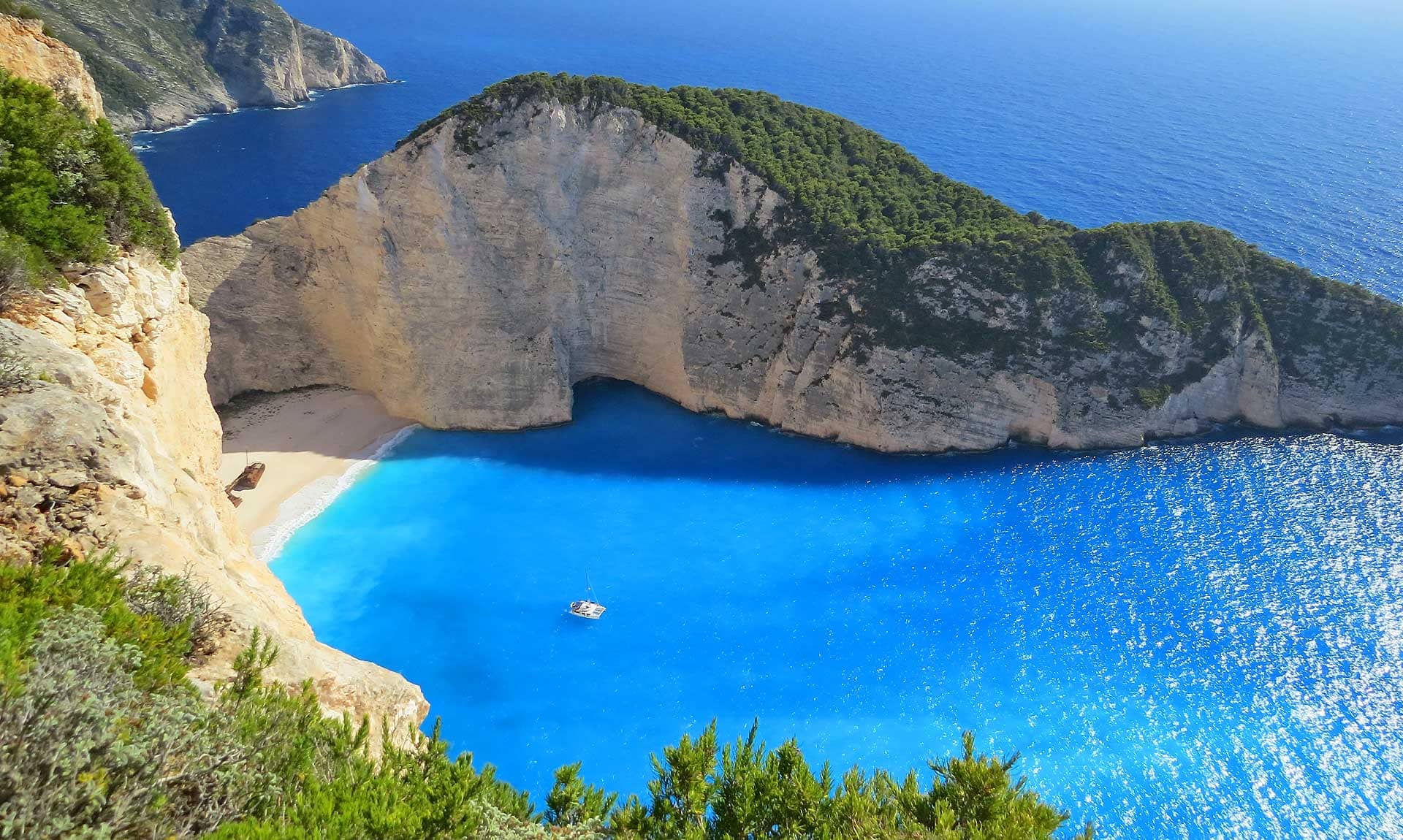
Caption rises

Reveal a second picture
03
Magnetic Button
A button that leans towards the mouse as it comes near.
How to use: Button → Extra → Magnetic
Ready to start?
04
Mouse Tilt
Cards tip in 3D under the mouse, with a soft glare.
How to use: Container / Column / element → Extra → Mouse Tilt
Villa by the sea
The open road
05
Spotlight
A light follows the mouse across dark cards and lights up the edges near it.
How to use: Container / Column → Extra → Spotlight
📈
Analytics
See who visits and why.
🛒
Shop
Sell with a built-in store.
🔎
SEO
Rank with the SEO suite.
06
Image Trail
Pictures pop up and fade along the mouse's path.
How to use: Container / Column → Extra → Image Trail
Move the mouse across here
On a phone, drag a finger.